A Morse code learning game
Hear it, learn it,
key it in
Follow the Morse tree to understand how letters relate, then build real skill through keying and repetition. New to it? Start with dits and dahs. Already know the basics? Turn up the speed.
- Free
- No ads
- Start without an account
Practice with no install
Open it in your browser and you are already practicing. It is in private testing right now, so this address stands in for a store listing.
Works on desktop and mobile browsers alike.
What the game is
Built to make Morse code a skill in your hands, not just something memorised.
-
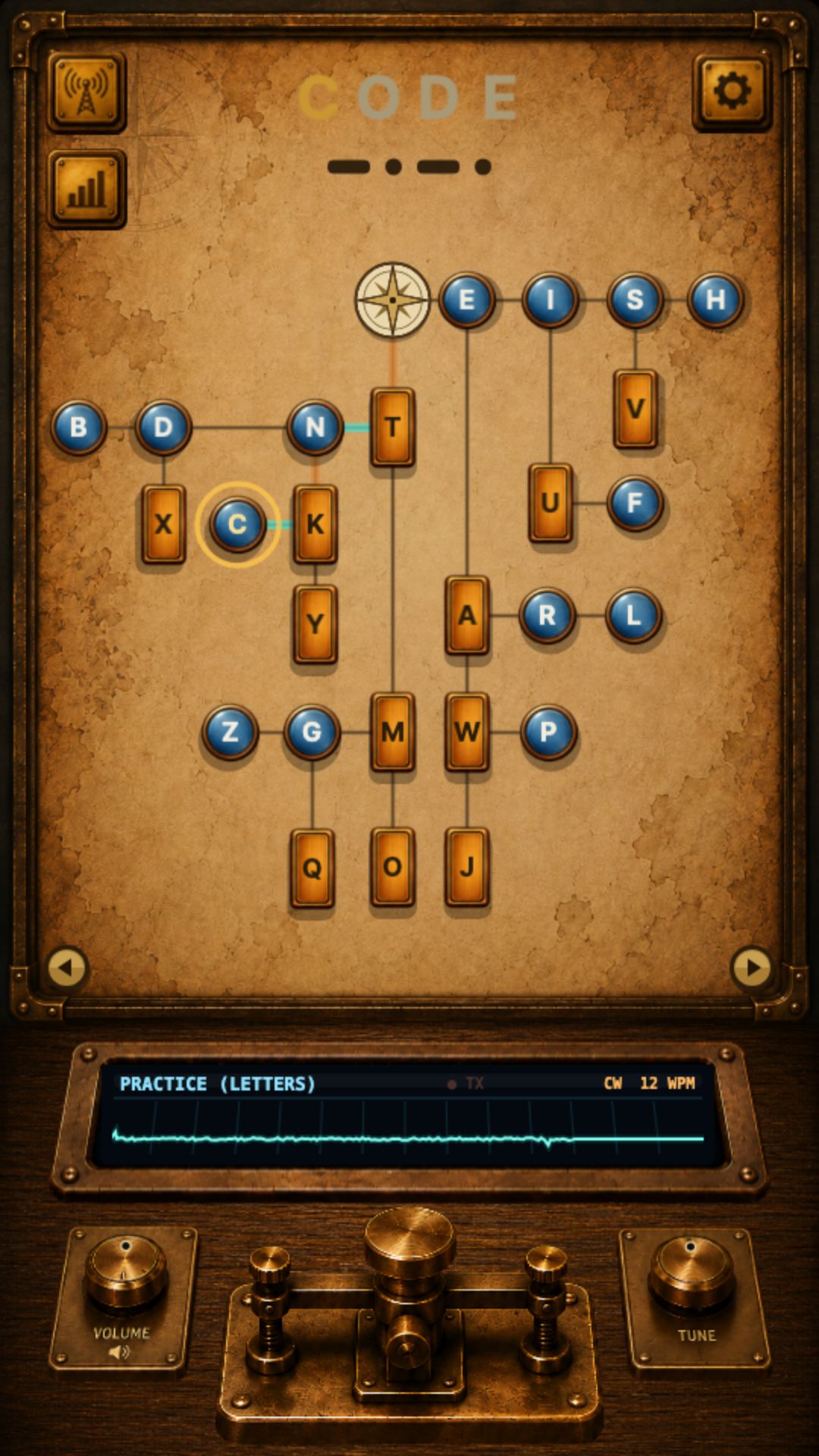
See it as a tree
Letters branch out from a shared structure, so you can see how dits and dahs combine instead of just memorising them.
-
A guided start
New learners follow step-by-step lessons that build from the difference between a dit (·) and a dah (—).
-
Letters, numbers, or both
Practice letters, numbers, or a mix, choosing whichever range fits what you are working on.
-
Tune the speed and timing
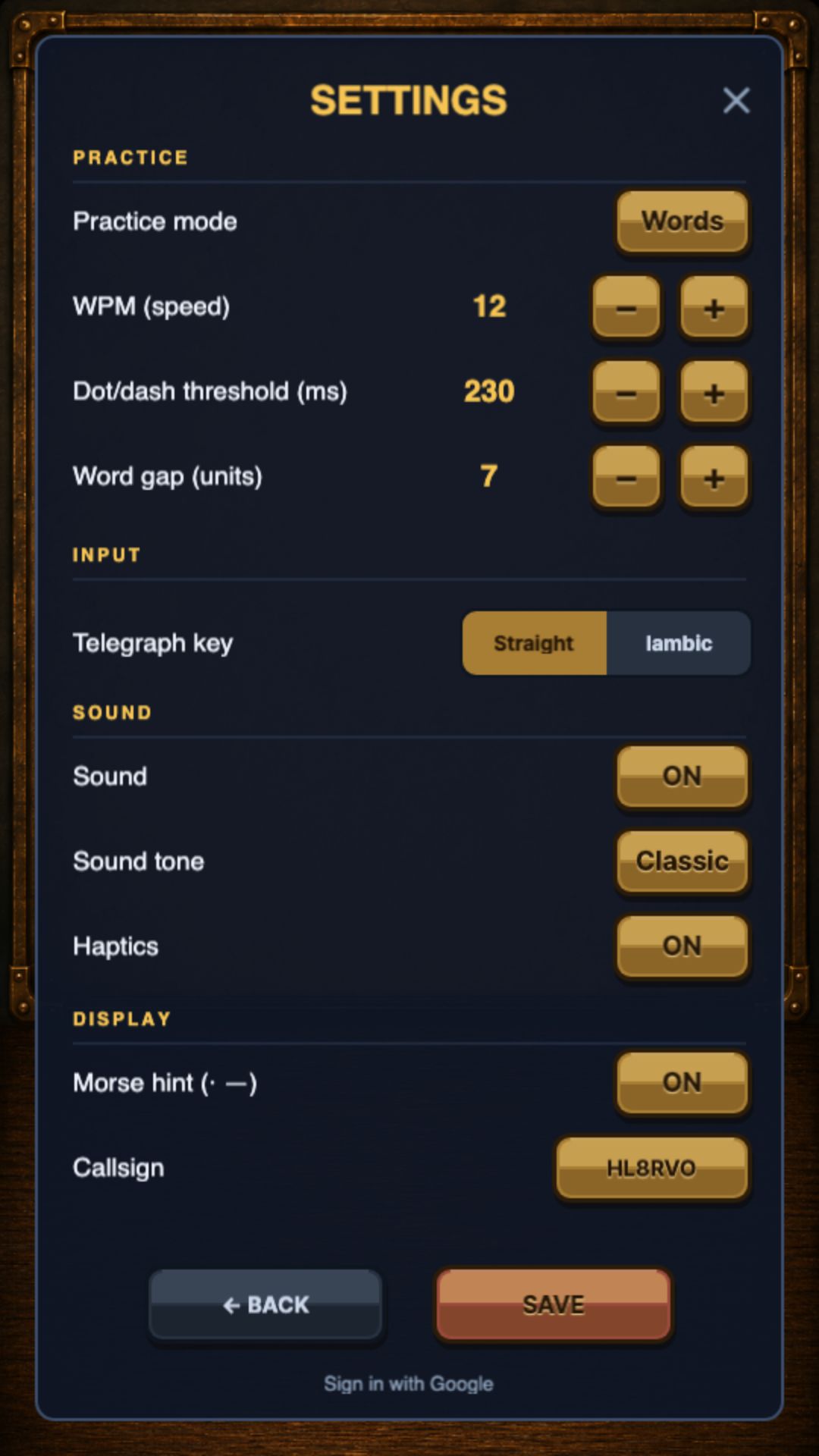
Adjust WPM speed, the timing threshold between a dit and a dah, and the spacing between words to match your level.
-
Straight key and paddle, both
Practice with a traditional straight key or an iambic paddle — both input styles are supported.
-
Track your progress
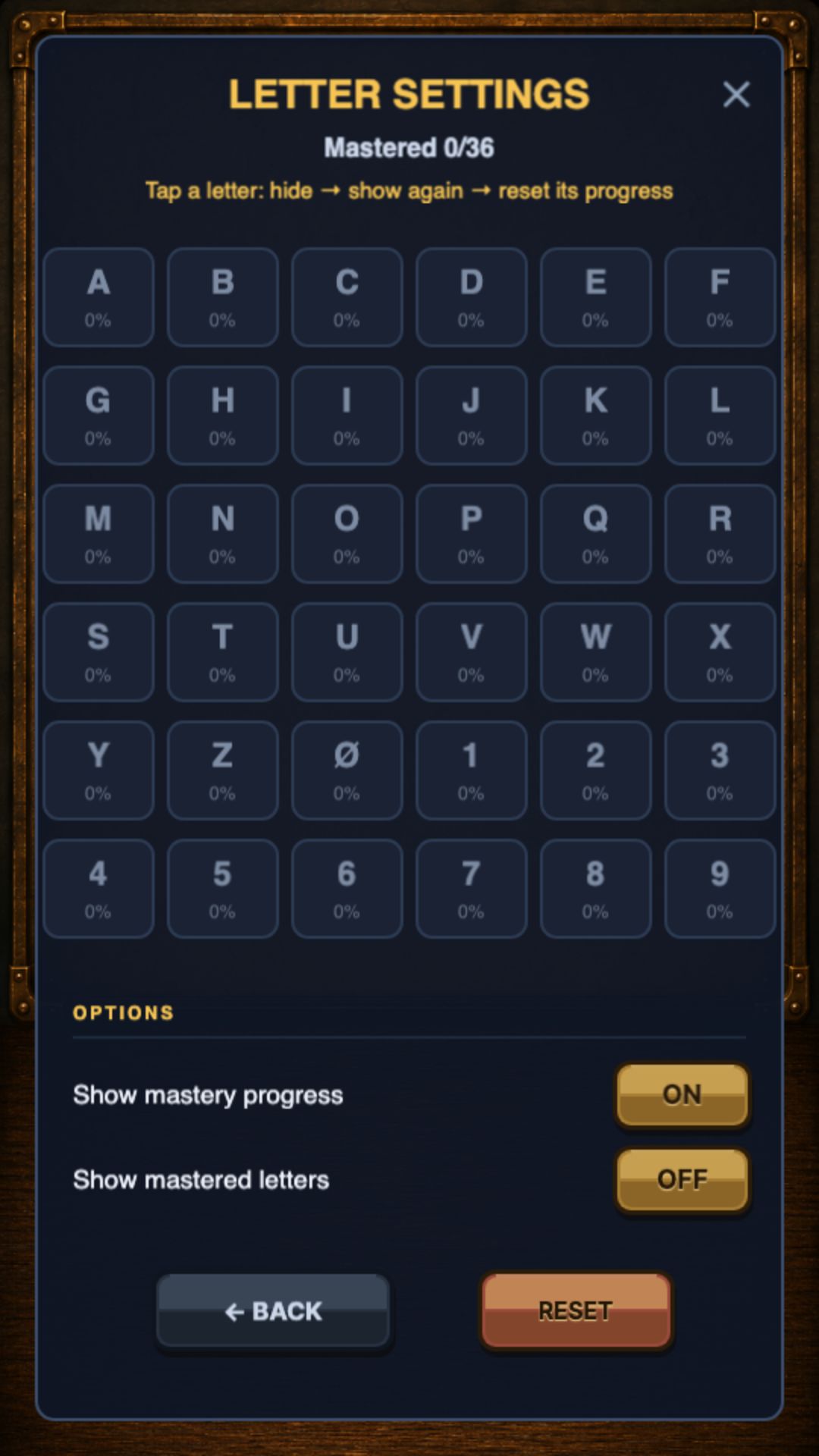
See per-letter mastery, learning progress and your personal record on one screen.
Available in Korean and English. Signing in is optional, and only useful when you want to sync your progress across devices.
Inside the app
Real screens from the app.
In private testing
Where to get it
It is in private testing right now. You can try it in your browser today.
A store button will appear here once the listing goes public.
Privacy
The core learning experience needs no account, so what is collected is kept to a minimum.
-
Sign-in is optional
You can start practicing right away without an account. Sign in only if you want to sync progress across devices.
-
Only learning records
It stores learning records such as per-letter mastery and practice statistics.
Price
Morse Master is free.
- Free
Frequently asked questions
Do I need to know Morse code already?
No. Guided lessons walk you through the difference between a dit and a dah from the start.
Should I use a straight key or a paddle?
You can practice both. Switch input styles in settings and see which one fits you.
Why is there no store button?
The app is in private testing right now, so the store listing is not public yet. You can try it in your browser today.