A split-flap always-on clock
A card turns,
the time lands
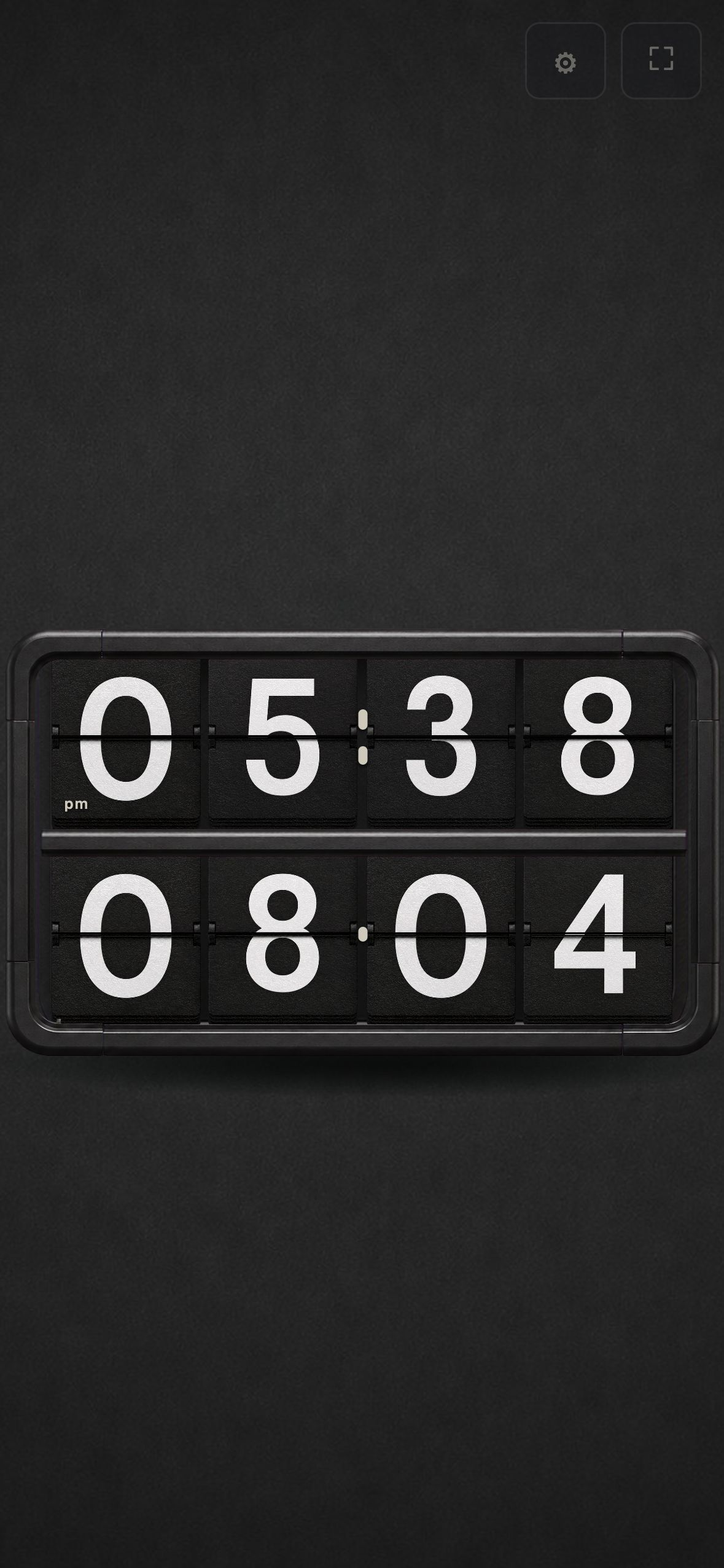
Stand up a device you had put away and it becomes a clock. Cards turn with a soft rustle, and the time fills the screen.
- Always on
- Works on old devices
Coming soon
Coming to the App Store and Google Play
The app is finished and has been submitted. Download links will appear on this page as soon as review is complete.
- The submitted build is complete — split-flap engine, the fixed 6×2 clock board, sound, keep-awake, full screen and the on-the-hour signature move are all in it
- It runs entirely offline: no account, no server, no ads, no tracking, no data collection
- Every feature is reachable on the clock screen itself — there is nothing to unlock and nothing held back
What this clock is
The time is always the thing on screen.
-
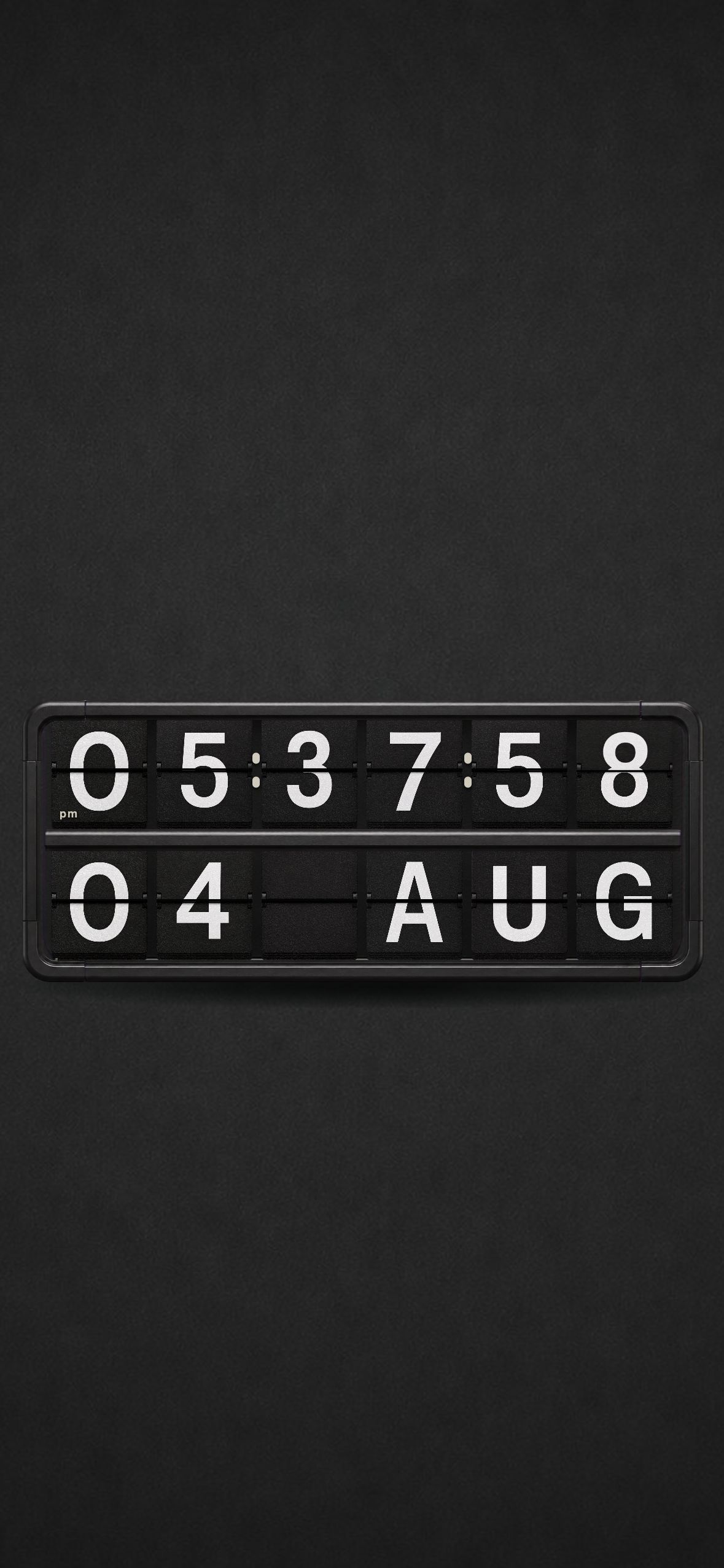
A fixed 6×2 board, nothing shifts
Hours, minutes and seconds sit on six cards, and the colon between them is a fixed character printed on the card, not redrawn.
-
The controls are one tap away
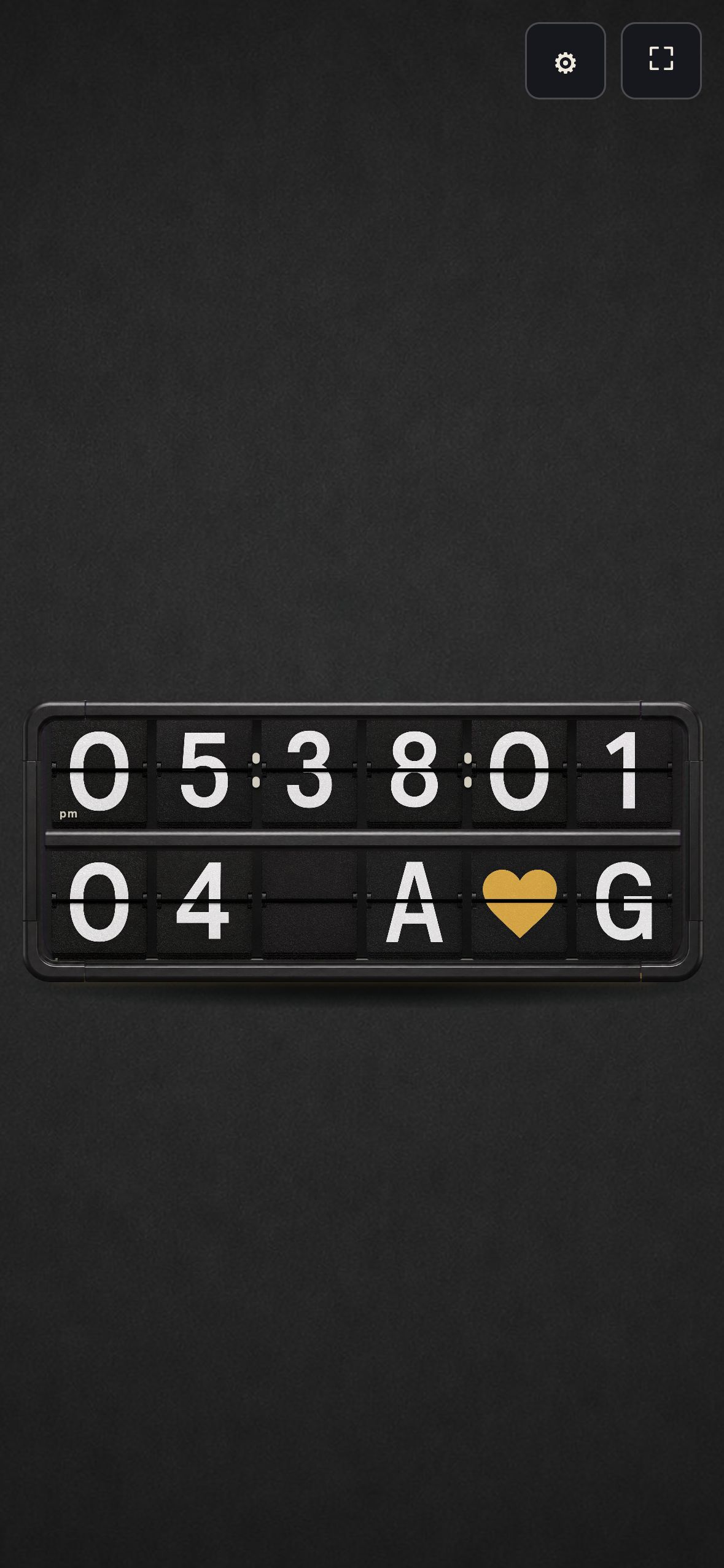
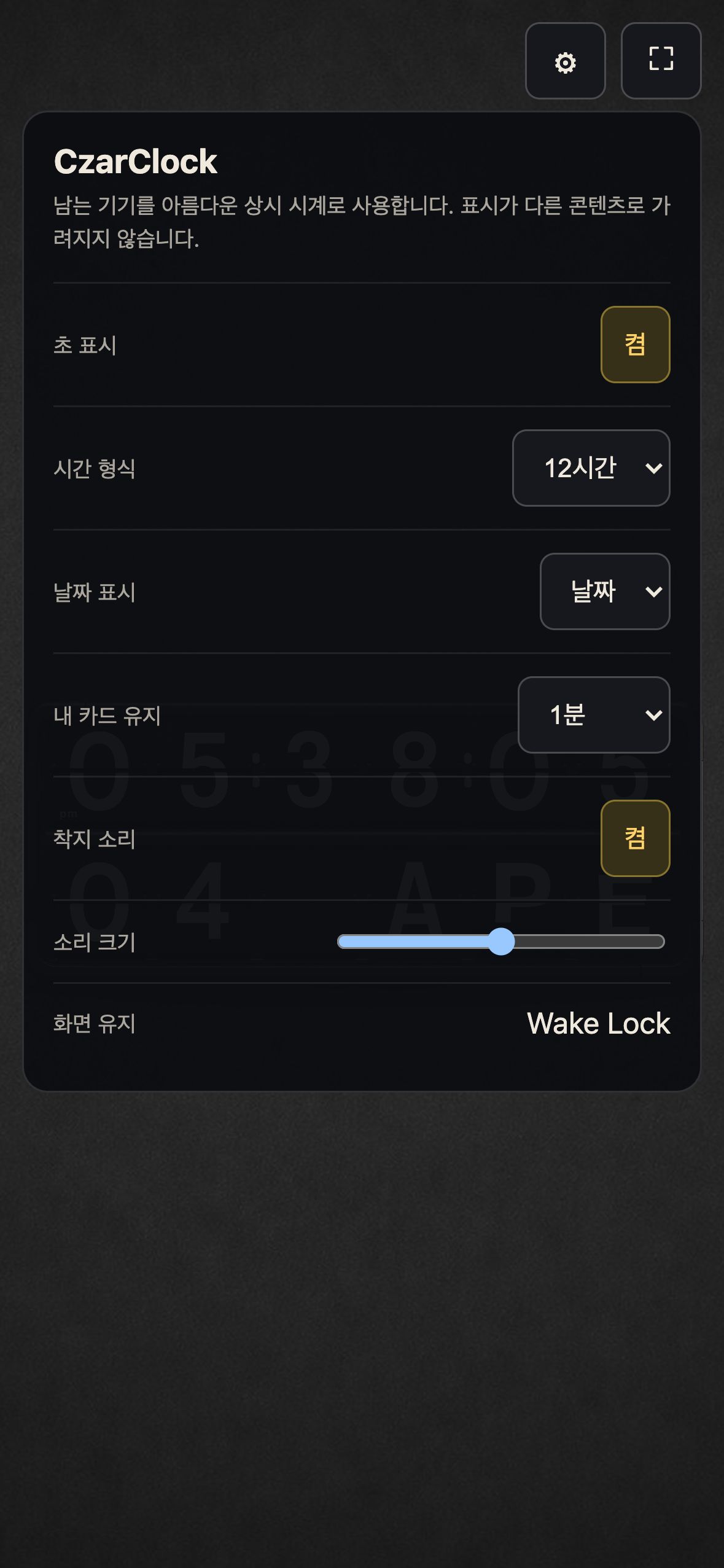
Tap anywhere and the settings and full-screen buttons appear at the bottom right. They stay on screen the first time you use the app, and once you have opened Settings they step aside so nothing covers the clock.
-
Every card is playable
Tap a card and it flips one step. Press and hold and the drum spins. Swipe the bottom date row up or down to spell out your own text — those cards turn gold and sweep back to the date when their time runs out.
-
Built for old devices
It does not need a new device. It gives a purpose back to an old iPhone, iPad or Android device sitting in a drawer.
Screens
Captured on a real device.
Support
Questions, bug reports and feature requests are all welcome by email, in English or Korean. CzarClock collects no data, so there is no account to recover and nothing to delete.